
Dyson DC14/DC33/DC07 Brush Not Spinning
Diagnose and repair a Dyson vacuum when the brush roller doesn’t spin properly. Most commonly caused by a worn clutch that needs replacement.
Difficulty: Medium
Estimated time: 30 minutes
Step 1
Tools Needed
-
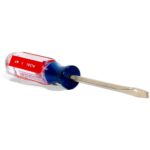
 Flat Screwdriver
 - T15 Torx security bit
-
Thread snips
Test the Brush Roller Resistance
First, check if the clutch is worn by testing how easily the brush stops.
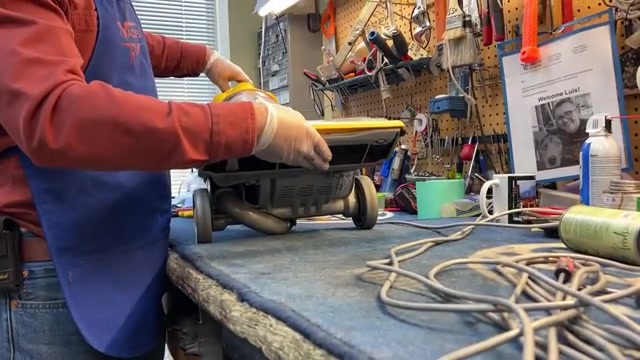
- Plug in the vacuum and turn it on.
- While the vacuum is running, carefully press your hand against the spinning brush roller.
- Try to stop the brush with moderate hand pressure.
Tools Needed
-
Flat Screwdriver
- T15 Torx security bit
-
Thread snips
Replace the Clutch
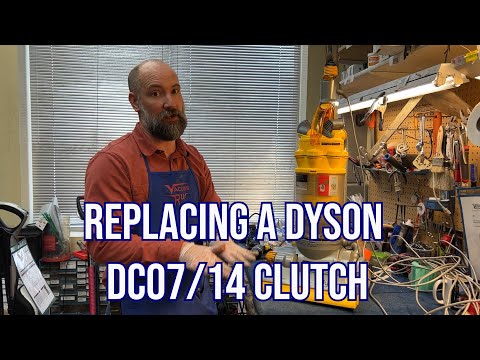
The clutch is worn and needs replacement. We'll remove the old clutch and install a new one.
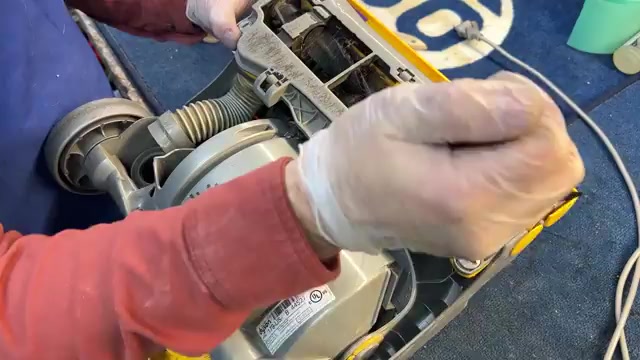
- Unplug the vacuum and remove the canister.
- Flip the machine over to access the bottom.
- Use a flat screwdriver to remove the bottom plate.
- Cut the old belt since it comes with the new clutch.
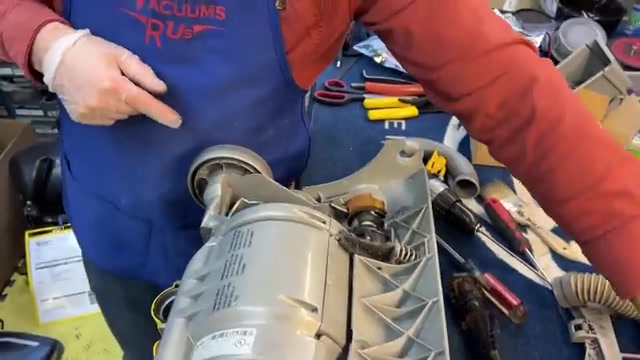
- Remove the three T15 screws holding the motor shroud.
- Lift away the shroud to expose the clutch.
- Note the metal rod location – it may stay in the body or come with the shroud.
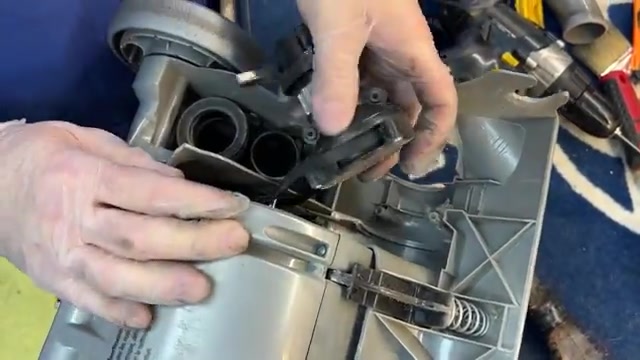
- Strike the colored knob firmly with a hammer to remove it.
- Push the clutch from behind while pulling the belt to remove the old clutch.
- Cut the belt free from the old clutch.
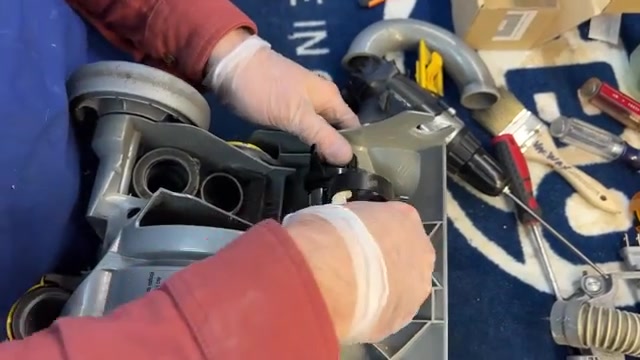
- Position the new clutch with the ridge aligned to the gray mount.
- Wiggle it into place until it seats properly.
- Replace the colored knob by pressing it back on.
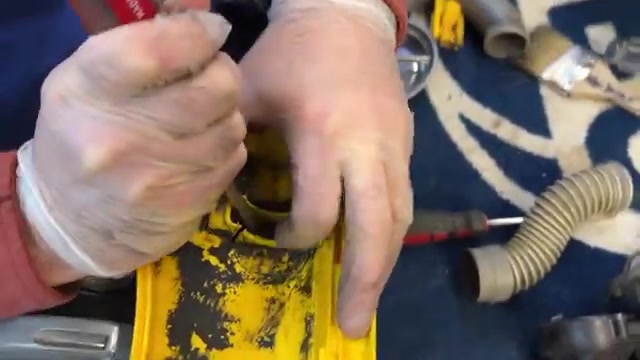
- Reinstall the motor shroud, ensuring the metal rod seats correctly.
- Replace the three T15 screws.
- Use a large flat screwdriver to hook the belt out from under the clutch.
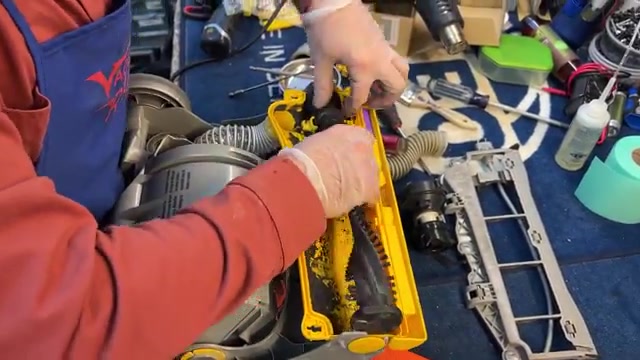
- Insert the brush roller while holding the belt up.
- Work the belt over the brush roller ends.
- Snap the brush into place and verify it spins freely by hand.
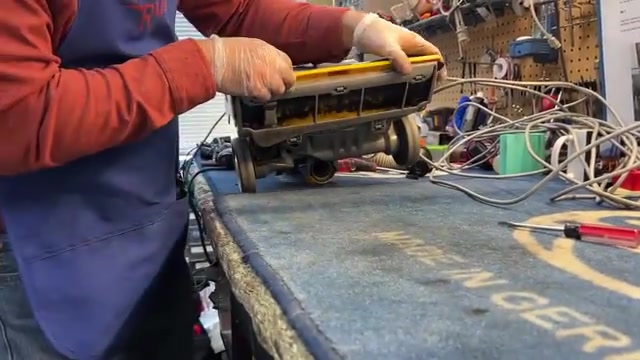
- Replace the bottom plate and gasket.
- Reinstall the canister.
- Plug in and test the vacuum – the brush should spin strongly and only stop with a loud clicking noise when forced.
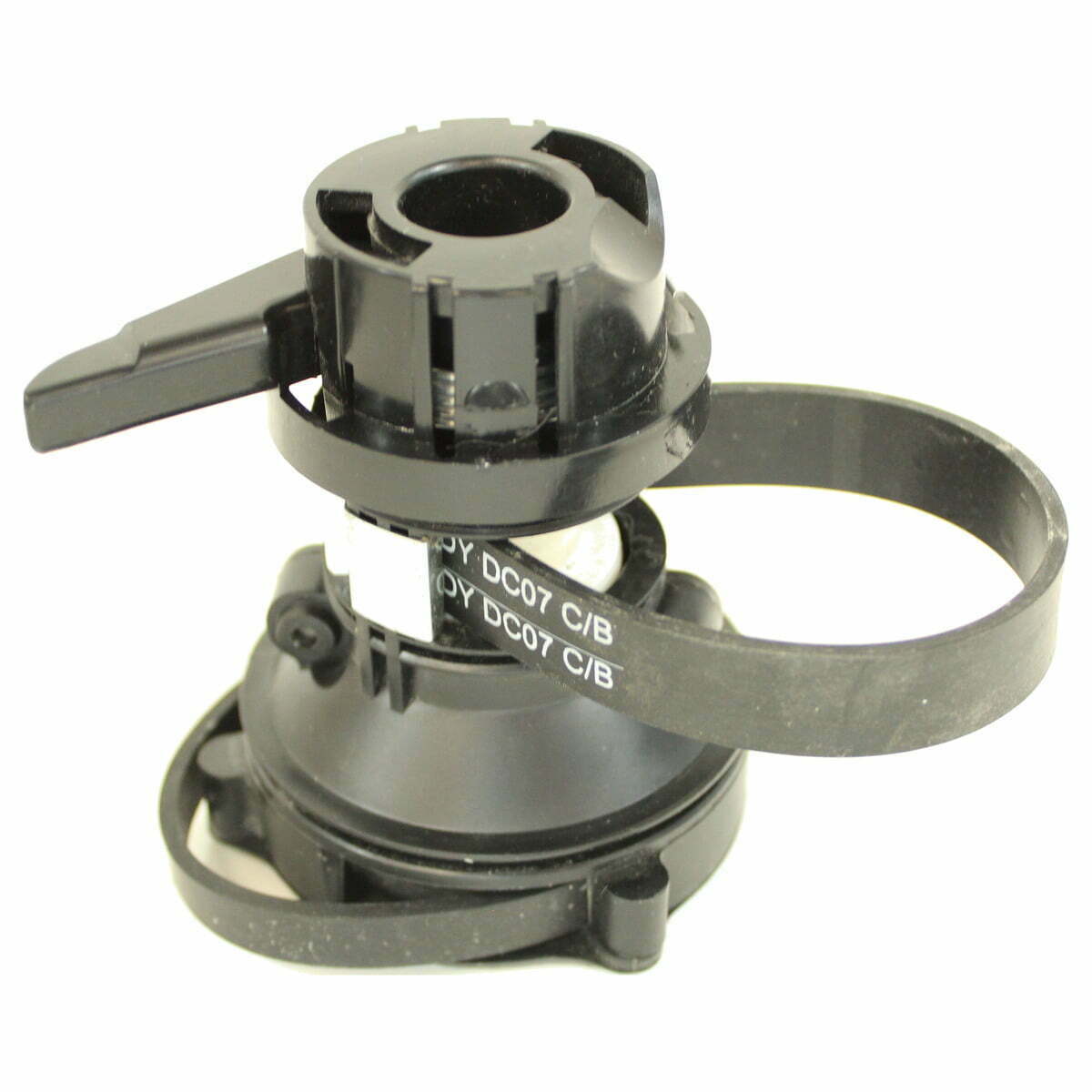
Recommended Products
Tools Needed
-
Flat Screwdriver
- T15 Torx security bit
-
Thread snips
Issue Resolved
Great! Your Dyson's brush roller is working properly again. The new clutch will restore full cleaning performance on carpets.
Tools Needed
-
Flat Screwdriver
- T15 Torx security bit
-
Thread snips
Recheck Installation
The clutch may not be installed correctly. Double-check that the belt is properly seated on both the motor shaft and brush roller, and that the clutch is fully engaged. If the problem persists after verifying installation, the unit may have additional issues requiring professional service.
Tools Needed
-
Flat Screwdriver
- T15 Torx security bit
-
Thread snips
Check for Other Issues
Is the brush roller itself spinning freely when you turn it by hand with the vacuum off?
Tools Needed
-
Flat Screwdriver
- T15 Torx security bit
-
Thread snips
Clear Brush Roller Obstruction
The brush roller has tangled hair or debris preventing rotation.
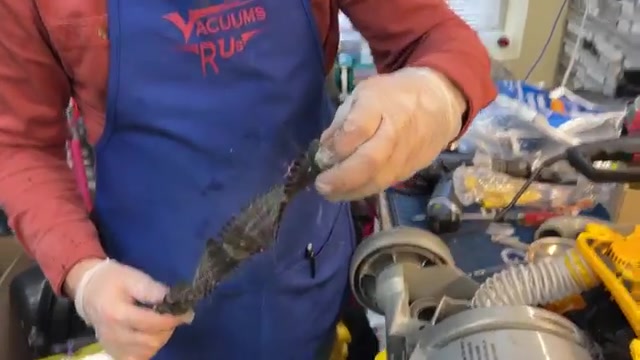
- Remove the bottom plate with a flat screwdriver.
- Pull off both end caps from the brush roller.
- Remove all hair and debris wrapped around the roller and from inside the end caps.
- Add a drop of oil to each end bearing.
- Reassemble the end caps and replace the brush roller.
- Replace the bottom plate and test the vacuum.
Tools Needed
-
Flat Screwdriver
- T15 Torx security bit
-
Thread snips
Good Clutch - No Repair Needed
Your clutch is functioning properly. The loud clicking noise when you stop the brush indicates the clutch is engaging correctly. If you're experiencing cleaning issues, check for clogs in the hoses or ensure filters are clean.
Tools Needed
-
Flat Screwdriver
- T15 Torx security bit
-
Thread snips
Further Service Required
Multiple issues may be present. Review all previous steps to ensure nothing was missed. If problems persist, bring the vacuum to a service center for professional diagnosis.