
Fix No Suction on Oreck XL Vacuum
Diagnose and clear clogs causing suction loss in your Oreck XL vacuum cleaner
Difficulty: Easy
Estimated time: 15 minutes
Step 1
Tools Needed
-
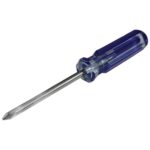
 Phillips Screwdriver
 -
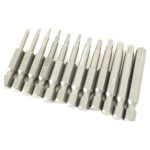
T20 Torx security bit
-
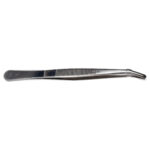
Tweezers
Test for Clog
First, verify if you have a clog by testing the bag inflation.
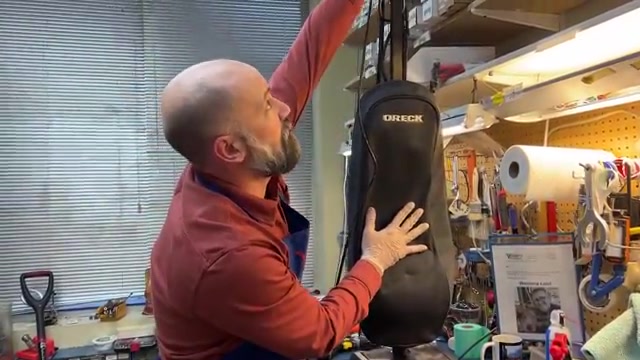
- Press down on the bag to deflate it completely.
- Turn on the vacuum while holding the bag deflated.
- Watch to see if the bag inflates quickly.
Tools Needed
-
Phillips Screwdriver
-
T20 Torx security bit
-
Tweezers
Not a Clog Issue
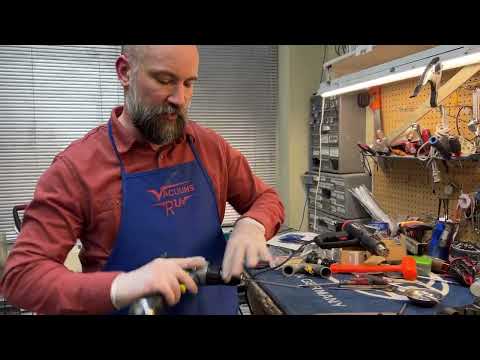
Your vacuum doesn't have a clog. The suction loss is likely caused by worn brushes or a broken belt. Check our other repair guides for those issues.
Tools Needed
-
Phillips Screwdriver
-
T20 Torx security bit
-
Tweezers
Locate and Check Top Clog
You have a clog. Let's check if it's at the top of the machine first.
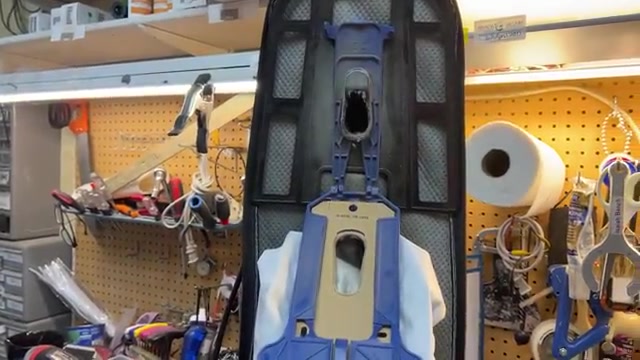
- Remove the bag from the vacuum.
- Look into the bag connection area for visible debris.
- Check if you can see a clog at the top of the tube.
Tools Needed
-
Phillips Screwdriver
-
T20 Torx security bit
-
Tweezers
Clear Top Clog
Clear the clog from the top, then test if suction is restored.
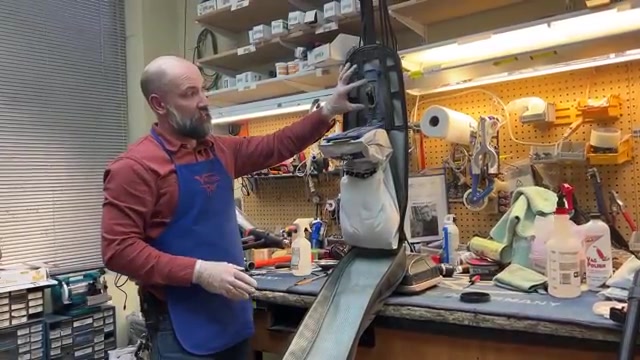
- Use tweezers to pick out visible debris from the bag connection area.
- Take the vacuum outside and point the bag opening away from people.
- Turn on the vacuum briefly without the bag to blow out remaining debris (it may shoot 15-20 feet).
- Turn off and pick out any additional debris that moves up.
- Repeat turning on and picking out debris until clear.
- Reattach the bag.
- Test the vacuum on a small area.
Tools Needed
-
Phillips Screwdriver
-
T20 Torx security bit
-
Tweezers
Check Base for Clog
The clog is likely at the base of the vacuum. We'll remove the bottom plate to access it.
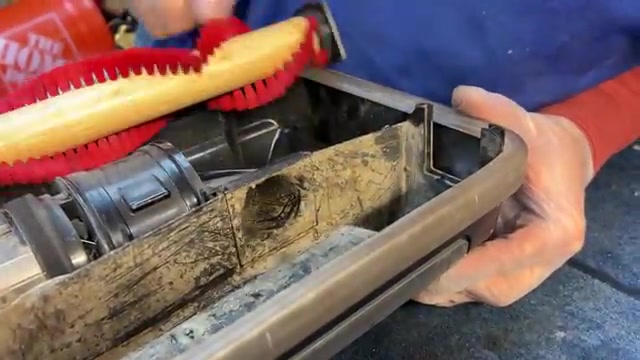
- Turn the vacuum over to access the bottom.
- Remove the five screws holding the base plate (not the three screws holding the squeegee).
- Lift off the base plate.
- Remove the brush roll to see into the intake area.
- Look for debris blocking the short intake passage.
Tools Needed
-
Phillips Screwdriver
-
T20 Torx security bit
-
Tweezers
Access and Clear Tube
The clog is stuck in the tube. We'll disassemble the tube to clear it.
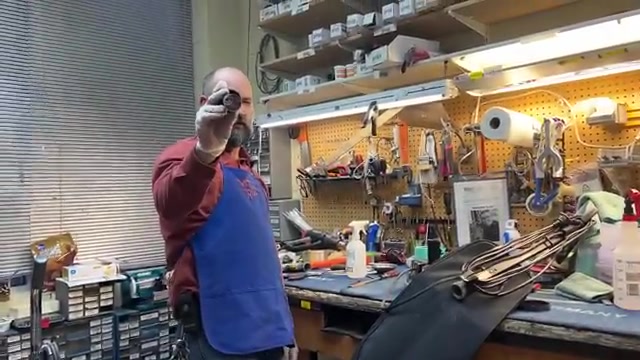
- Twist the ring at the bottom of the tube to loosen it.
- Lift the ring and gasket up.
- Unhook the spring connector at the base.
- Unscrew the tube at the top connection.
- Remove the tube completely.
- Look through the tube and push out any debris.
- Reassemble the tube in reverse order.
- Reattach the bag.
- Test the vacuum on a small area.
Tools Needed
-
Phillips Screwdriver
-
T20 Torx security bit
-
Tweezers
Clear Base Clog
Remove the motor assembly to access and clear the base clog.
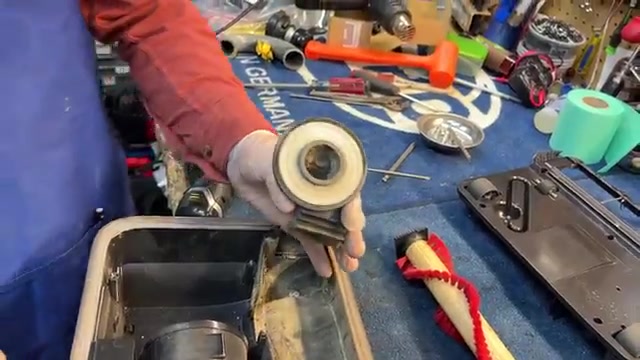
- Locate the three screws holding the motor and intake assembly (use T20 Torx bit for newer models, Phillips for older).
- Remove all three screws.
- Lift the motor assembly up and out.
- Clear any debris from the intake passage and fan area.
- Reassemble by reversing these steps.
- Replace the base plate with five screws.
- Reattach the bag.
- Test the vacuum on a small area.
Tools Needed
-
Phillips Screwdriver
-
T20 Torx security bit
-
Tweezers
Issue Resolved
Great! Your Oreck vacuum's suction is restored. The clog has been successfully cleared.
Tools Needed
-
Phillips Screwdriver
-
T20 Torx security bit
-
Tweezers
Further Service Needed
If suction is still weak after checking all areas, the issue may be more complex. Double-check the areas you've cleared, or bring your vacuum to an authorized Oreck service center for professional repair.