Kirby Vacuum Won’t Turn On – Troubleshooting Guide
Step-by-step guide to diagnose and fix a Kirby vacuum that won’t power on, covering safety switches, power cord testing, and common issues.
Step 1
Tools Needed
-
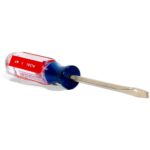
 Flat Screwdriver
 -
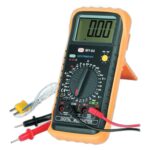
Multimeter
-
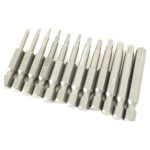
T20 Torx security bit
Check the Bag Safety Switch
The most common reason Kirbys won't turn on is the bag not properly engaging the safety switch. Is your bag firmly locked in place?
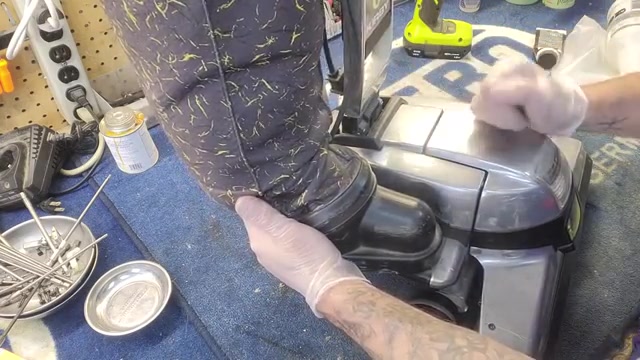
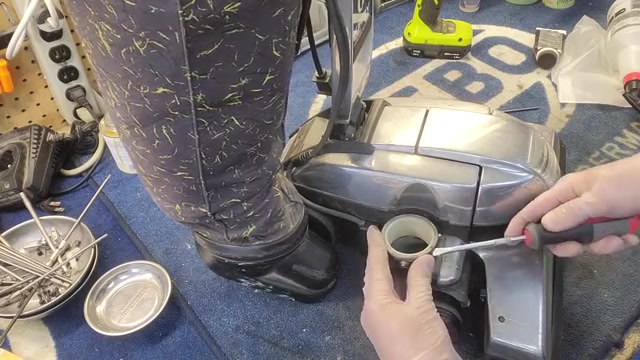
- Look at where your bag connects to the machine – there's a small nub on the bag dock.
- Check if the bag feels loose or won't stay locked when you push it in.
- If loose, plug in the machine and manually hold the bag firmly in place.
- While holding the bag in position, press the power button.