
Baby Lock Serger Not Sewing – Troubleshooting Guide
Diagnose and fix common issues when your Baby Lock serger isn’t sewing properly, including presser foot, needle, and threading problems.
Difficulty: Easy
Estimated time: 10 minutes
Step 1
Check if Machine Feeds Fabric
Start the machine and try to feed fabric through. Is the fabric feeding through the machine?
Check and Lower Presser Foot
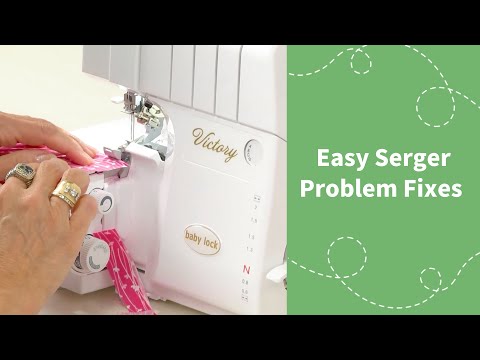
The most common cause is the presser foot being up. We'll lower it and test again.
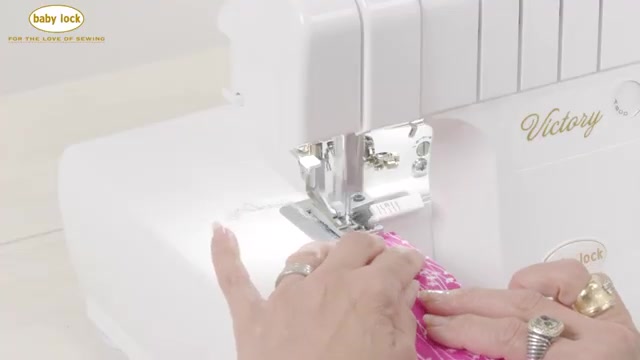
- Stop sewing and check if your presser foot lever is in the up position.
- Lower the presser foot by pushing the lever down completely.
- Run a test piece of fabric through the machine.
Check Stitch Appearance
Look at your stitches closely. Are the threads evenly spaced and sitting properly on the fabric edge?
Adjust Differential Feed
Your differential feed is likely in the wrong position, causing fabric compression.
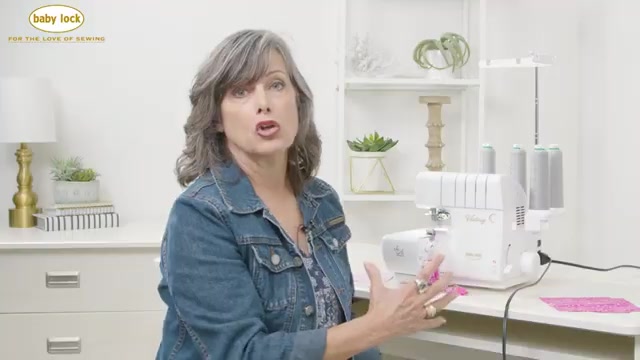
- Locate the differential feed dial on your machine.
- Check if it's been knocked down into a negative position.
- Return the differential feed to the neutral position (usually marked as 1 or N).
- Test sew on a scrap piece of fabric.
Check and Adjust Needle Position
Skipped stitches usually mean needles aren't properly seated. We'll check their height and alignment.
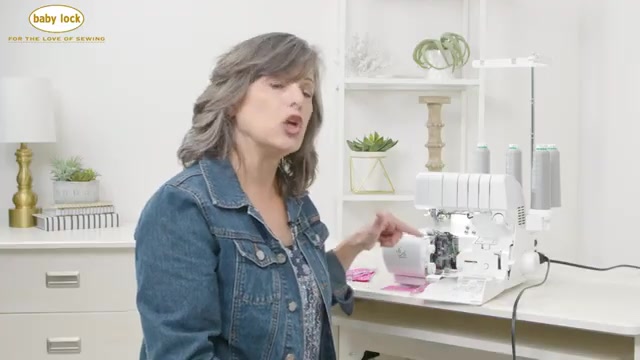
- Open the needle area and locate the needle height window on your machine.
- Check if both needles are visible in the window – they should be at different heights (staggered).
- If not fully visible, loosen the needle clamp screws.
- Push each needle all the way up until it stops.
- Verify through the window that needles are properly seated at their staggered heights.
- Tighten the needle clamp screws.
- Test sew on fabric.
Verify Stitch Selector Settings
Your stitch selector knob doesn't match your machine setup. We'll coordinate all settings.
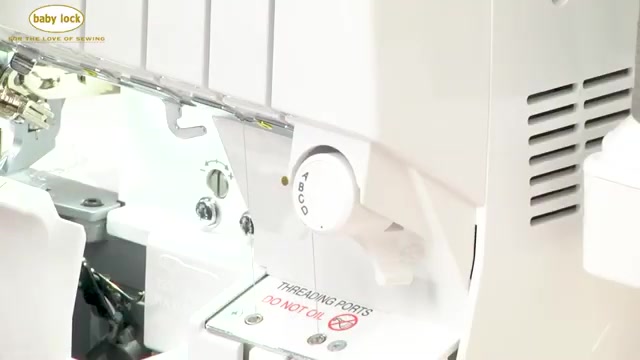
- Check which needles you have installed (left, right, or both).
- Look at your stitch selector knob position.
- Match the selector to your needle configuration (e.g., remove left needle for position B).
- If doing a rolled hem, also adjust your stitch length to the rolled hem setting.
- Check that subsidiary looper is disengaged if not doing flatlock.
- Test sew with the corrected settings.
Further Assistance Needed
The issue may require professional service. Double-check that all previous adjustments were made correctly, especially needle installation and threading paths. If problems persist, contact your Baby Lock dealer for service.
Issue Resolved
Great! Your Baby Lock serger should now be sewing properly. Remember to always check the presser foot position and stitch selector settings when changing stitch types.